emulators
-
6502 kim-1 emulators retro-computing programming
m65c02: Making the Invisible Visible
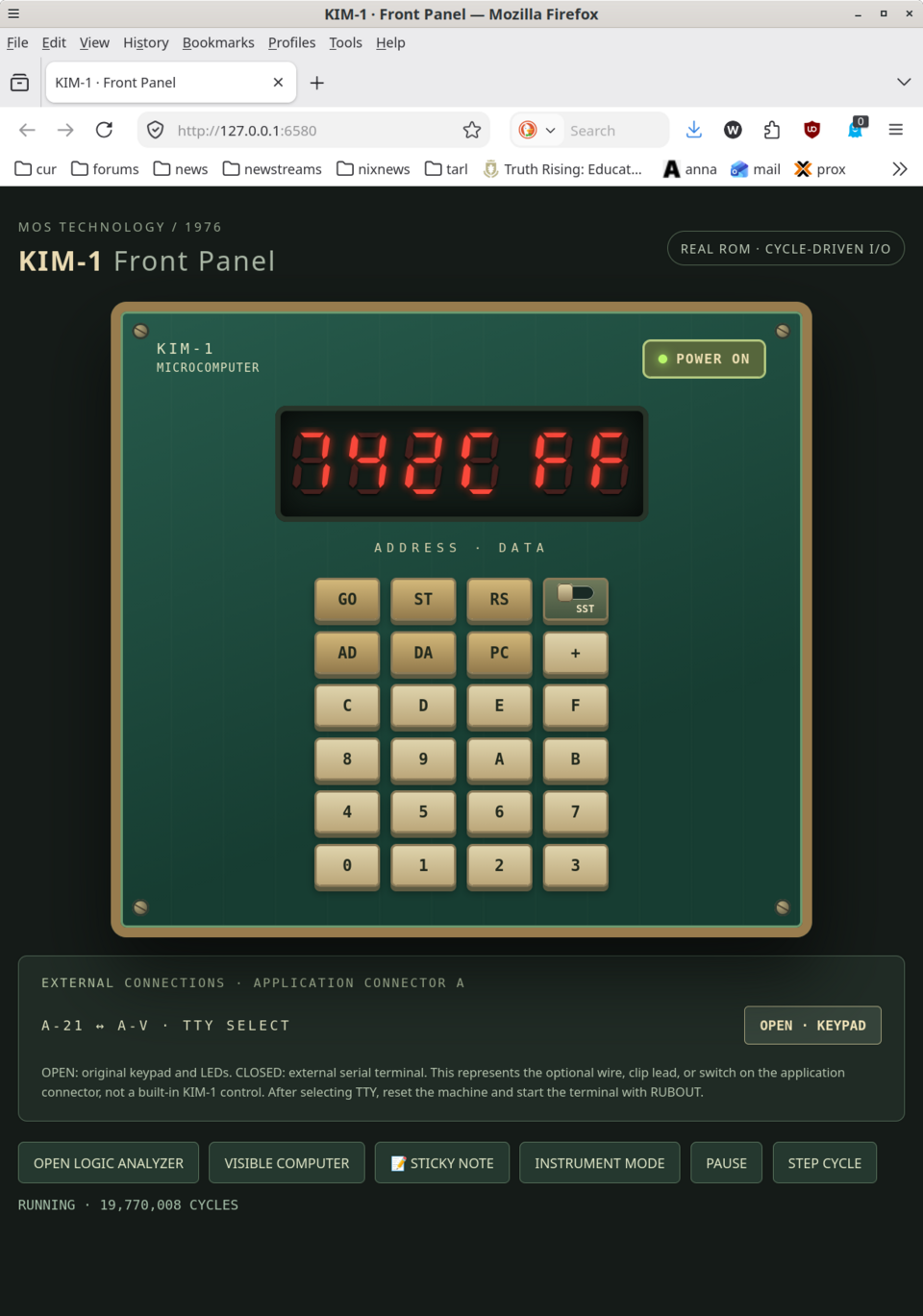
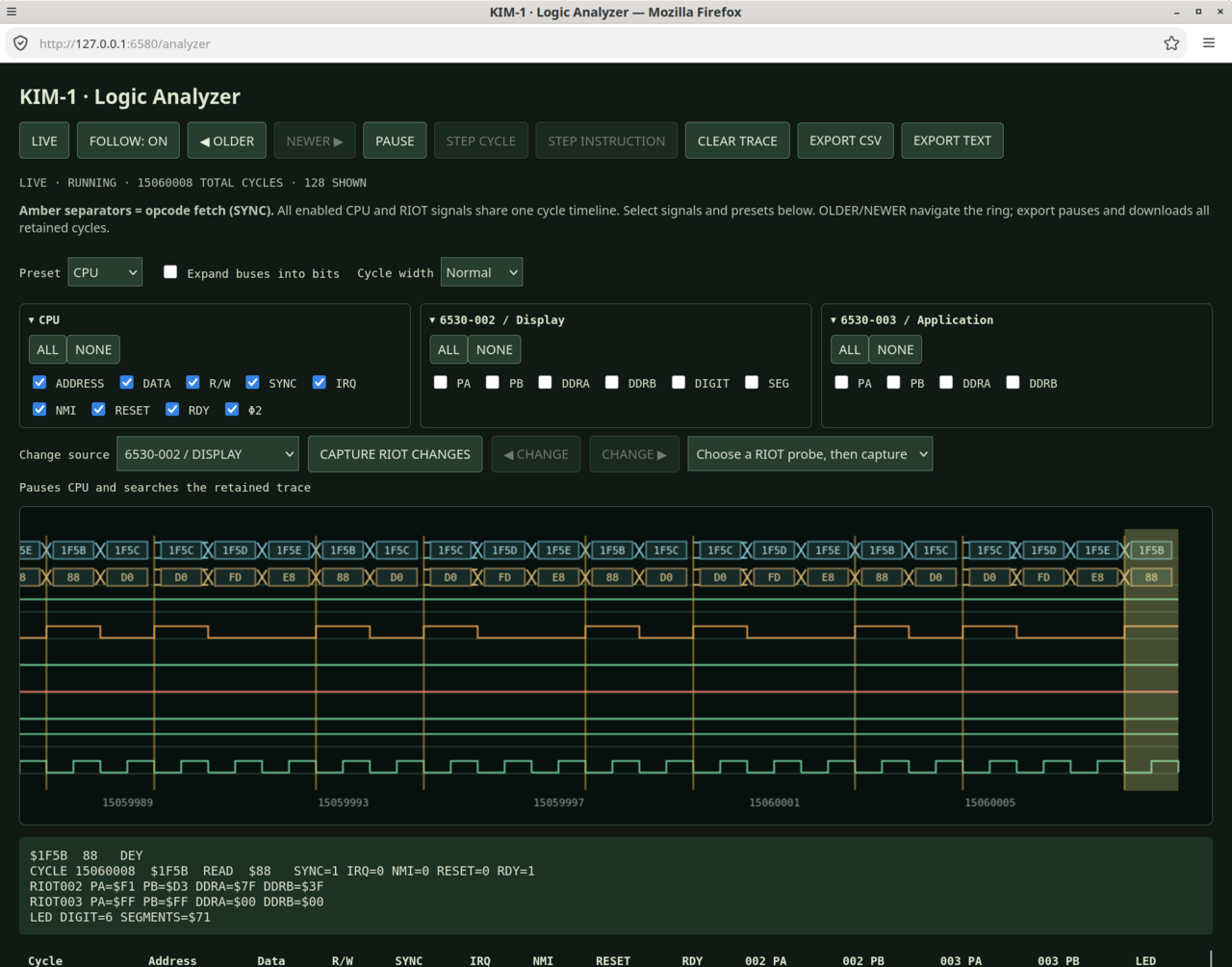
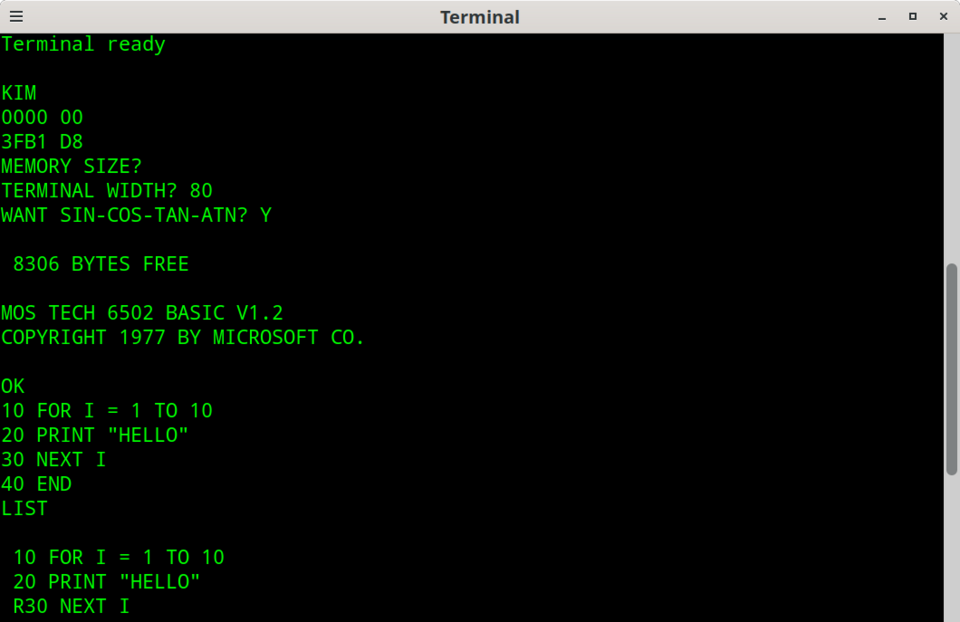
I've been spending a lot of time with the 6502 lately, first with the Apple IIe and KIM-1, and now with an emulator of my own. The project is called m65c02. It started with a simple question: what if I could see what the processor was doing, one cycle at a time?
Running an old machine is fun. Understanding how it runs is even better. An instruction like
LDAis simple enough to describe in a sentence, but that description hides the activity on the address and data buses. I wanted to get closer to the hardware, without having to attach probes to an actual board every time I had a question.One inspiration is Software Masters' The Visible Computer: 6502. Back in the early 1980s, it made the processor's operation something you could watch and learn from, stepping through instructions and their microsteps. I like that idea. With m65c02, I'm taking it further into the bus cycles and the surrounding hardware. The aim is the same: make the computer less mysterious by making its workings visible. The original Visible Computer manual is worth a look.
-
os dec pdp-11 emulators retro-computing
Getting DOS-11 V004A Running on a PDP-11/40
Getting DOS-11 V004A Running on a PDP-11/40
I did not set out to install DOS-11.
I have been working with Sixth Edition UNIX on a simulated PDP-11/40, partly to understand the system itself and partly to get closer to the environment described by Lions. That inevitably led downward. Reading the V6 source means reading PDP-11 assembly, and reading PDP-11 assembly means spending some time with the tools and conventions that existed around the machine before and alongside UNIX.
That led me to PAL-11R, DEC's relocatable assembler for the PDP-11, and from there to DOS-11.
-
unix research-unix v6 emulators
Setting Up UNIX—Sixth Edition: An OpenSIMH Laboratory for Reading Lions
This note covers building a complete, restorable Sixth Edition UNIX laboratory in OpenSIMH for reading John Lions’ A Commentary on the UNIX Operating System. First, the reader is led through restoring the original V6 distribution from tape to RK05 disk images. Next, the kernel is reconfigured and rebuilt for the PDP-11/40 and the simulated devices used in the laboratory. The remaining source and documentation filesystems are then installed, the required special files are created, and the completed system is verified and archived as a restorable baseline.
The note explains each step of the process in detail and connects Lions’ commentary and numbered source listing to the corresponding files and configured kernel in the running V6 system.
-
emulators retro-computing tools
Building and Installing OpenSIMH from Source
A video walking the user through the process of obtaining, building and installing OpenSIMH from source. This is a prerequisite for installing Research Unix Version 6 or 7.
Enjoy!
-
dec emulators retro-computing lisp
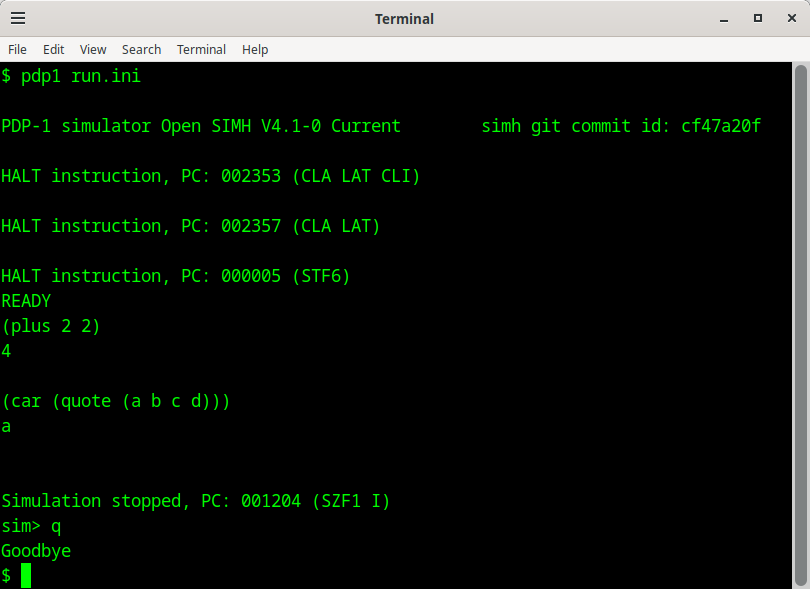
pdp1-lisp running on an emulated PDP-1
This note describes how to set up and run PDP-1 lisp. It's a pretty brief walkthrough. If you run into any issues, let me know.
-
unix research-unix v7 emulators
Installing and Using Research Unix Version 7 on the OpenSIMH PDP-11 Emulator
A video walking the user through the process of installing and using Research Unix Version 7 on the Open SIMH PDP-11/45 and PDP-11/70 emulators.
Enjoy!
-
unix research-unix v7 emulators
Installing and Using Research Unix Version 7 in the OpenSIMH PDP-11/45 and 11/70 Emulators 3.1
This note covers building a working v7 instance from tape files that will run in the OpenSImH emulator. First, the reader is led through the restoration of a pristine v7 instance from tape to disk. Next, the reader is led through adding a regular user and making the system multi-user capable. Then, the reader is shown how to make the system multi-session cable to allow multiple simultaneous sessions. Finally, the system is put to use with hello world, DMR style, and the learn system is enabled.
The note explains each step of the process in detail.
-
unix research-unix v7 emulators
Installing and Using Research Unix Version 7 in the OpenSIMH PDP-11/45 and 11/70 Emulators 3.0
This note covers building a working v7 instance from tape files that will run in the OpenSImH emulator. First, the reader is led through the restoration of a pristine v7 instance from tape to disk. Next, the reader is led through adding a regular user and making the system multi-user capable. Then, the reader is shown how to make the system multi-session cable to allow multiple simultaneous sessions. Finally, the system is put to use with hello world, DMR style, and the learn system is enabled.
The note explains each step of the process in detail.
-
unix research-unix v7 emulators
Installing and Using Research Unix Version 7 in the SIMH PDP-11/45 and 11/70 Emulators 2.1
It covers building a working v7 instance from tape files that will run on the SimH emulator. First, the reader will be led through the restoration of a pristine v7 instance from tape to disk. Next, the reader will be led through adding a regular user, making the system multi-user capable. Then, the reader will be shown how to make the system multi-session cable allowing multiple simultaneous sessions. Finally, the system will be put to use with hello world, DMR style, and the learn system will be enabled.
-
unix research-unix v7 emulators
Installing and Using Research Unix Version 7 in the SIMH PDP-11/45 and 11/70 Emulators 2.0
This is a completely reorganized, updated, and edited version of the document. It includes the following sections:
- Installation
- Create a user and set sane TTY options
- Set up multi-session support
- Miscellaneous
It covers building a working v7 instance from tape files that will run on the SimH emulator. First, the reader will be led through the restoration of a pristine v7 instance from tape to disk. Next, the reader will be led through adding a regular user, making the system multi-user capable. Then, the reader will be shown how to make the system multi-session cable allowing multiple simultaneous sessions. Finally, the system will be put to use with hello world, DMR style, and the learn system will be enabled.