slackware15
-
development x-windows slackware15
Setting up Slackware 15 on T430 for X Window Programming
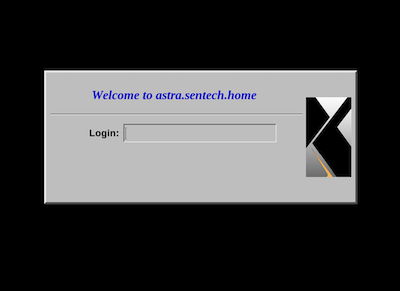
The note walks through the process of installing and configuring a working Slackware 15 64 instance with the packages mirrored locally for ease of access and eliminating the need to be online as much. When the system is up and running it provides xdm services to nearby hosts (those on the local network). This makes running and testing x window clients simpler and more interesting. You may notice that the note references other environments that you may not have or want to use (MacOS Mojave and FreeBSD 13.1). Just ignore those references as they are not strictly required.
I chose Slackware 15 64 as the environment after trying out various flavors of Debian, Arch, Kwort and others. While these worked ok, they did not provide much of a clean, vanilla x experience. Slackware, on the other hand, provided a sane, simple, and understandable x environment that was pretty vanilla :). It feels really good to get back to Slackware and its simplicity. I don't have a gazillion processes running doing who knows what, the laptop sleeps without crazy interventions, and stuff works well. That said, Slackware is not for the faint of heart. You should be somewhat familiar with Linux and it's command line interface and be willing to do your own research before jumping into it.