operating-systems
-
operating-systems mojave x-windows
Setting up for X-Windows Development on MacOS
This note describes setting up a development environment for doing X Windows Development on Mac OS from the ground up. The notes do apply to other environments... with minor tweaks (I tried the same basic setup on Debian Linux, DragonFly BSD, and FreeBSD with no major issues).
This is enough setup to build applications in X Windows using Xlib - the lowest level of programming in X... other than the X Protocol :). I did this because I have developed an interest in how graphical interfaces work and X, for all its quirks, is not self-limiting, crippled, partially proprietary or any of that nonsense and it is widely used.
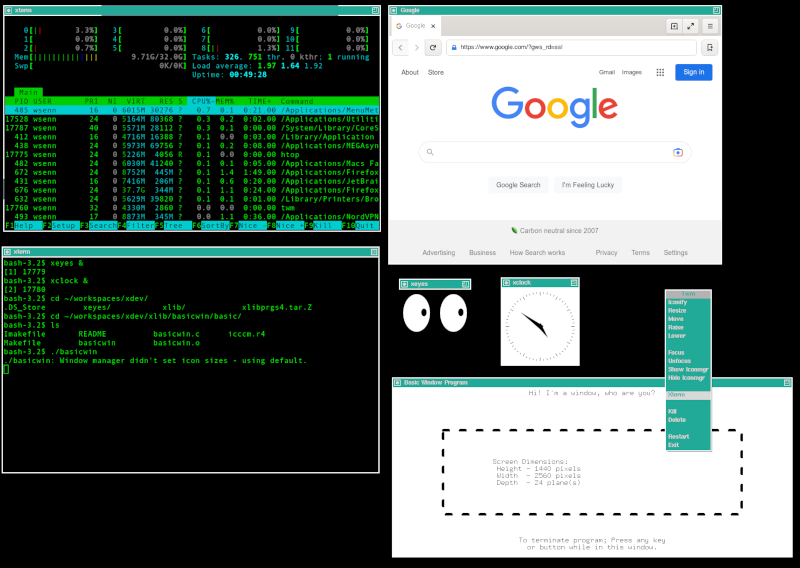
After setting up, downloading some source, building and deploying, here's what we're looking at... on a Mac:
-
operating-systems bsd dragonfly-bsd
Installing and running DragonFly BSD 6.4
This note is about installing and running DragonFly BSD 6.4
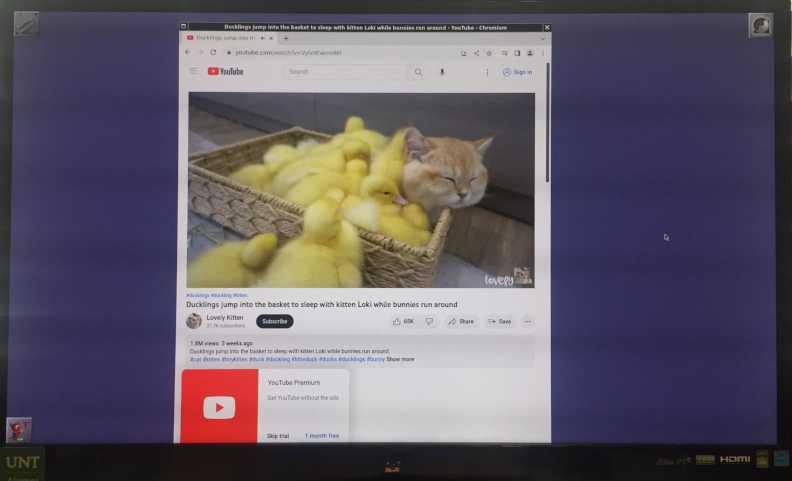
DragonFly BSD from https://dragonflybsd.org is a BSD :). As such, it is a rock and the userland is sane. It was forked from FreeBSD long ago and is renowned for its HAMMER FS. I started the exploration with the intention of learning more about HAMMER and have enjoyed the journey.
-
operating-systems truenas-core fossil
Installing and running Fossil on TrueNAS Core
This note is about installing and running Fossil SCM on TrueNAS Core.
Fossil is brought to us by the same people who developed SQLite. It was created to serve their needs, but is useful to everybody with a similar set of needs (pretty much any dev team). According to the fossil folks over at https://fossil-scm.org, "Fossil is a simple, high-reliability, distributed software configuration management system..." To mme, it's my git-killer.
I have been running Fossil for about a year to see if it was worth replacing git for my own use. After this year, while I still like git and I will continue to use it for disposable repos, I have completely jumped ship for my own repos and won't be going back to hosting them on anything else anytime soon. Fossil is very lightweight, fast and responsive, has a fantastic server side ui, and is slightly more intuitive to use. It is also easier to recover from when things go wonky.
-
operating-systems genode sculpt
Building Sculpt 22.10 on Debian 11.6 Bullseye without a Desktop
Sheesh, live and learn. I didn't pay any attention to system requirements in the prior note [Building Sculpt 22.10 on Debian 11.6 Bullseye]({% post_url 2022-12-29-building-sculpt-22.10-on-debian-11.6 %}). I just glibly provisioned using a small portion of my available resources. In this note, I've corrected this oversight. The system requirements are much, much more modest than what I originally provisioned. There is no need for the overkill.
This note is about building a bootable Sculpt OS 22.10 image using a Debian 11 "Bullseye" Guest OS running in VirtualBox without a desktop. If you were to include the desktop, expect that the system requirements would increase, but not by lot. I expect it would work with these same provisions, but would work better with more CPUs and RAM, as well as with a bigger allocation of hard disk space.
Bottom line - The image can be built comfortably, in a reasonable amount of time (call it 15 minutes to download the toolchain, and source code, and do the build), on a system with 512 MB RAM, 1 CPU, 12 GB HDD, but it's faster with more resources provisioned, where CPU seems to be the biggest factor - more is better letting us use parallel threads in make.
-
operating-systems genode sculpt
Sculpt 22.10 - A Truly Alternative OS
This note is about installing and running Sculpt OS 22.10 in VirtualBox.
SculptOS is an operating system built out of components provided by the Genode Operating System Framework and as such it qualifies as a truly alternative operating system. These days, that's quite a feat. Most 'alternatives' are linux distros or flavors. This OS runs on a microkernel - Nova or any one of several other choices. It is decidedly not unix, windows, linux, haiku, beos, os/2 or any other mainstream os.
Sculpt OS is made so that it is relatively straightforward, if not easy, to provide a secure computing environment where applications and services are built on a Trusted Computing Base... that is an application is provisioned explicitly to depend on a tree of components that are known to be trustworthy, and are sandboxed. It is similar in some ways to Qubes OS, but significantly different in others.
The learning curve is steep. So, as I explore the environment and learn more about it, I'll post more of these notes.
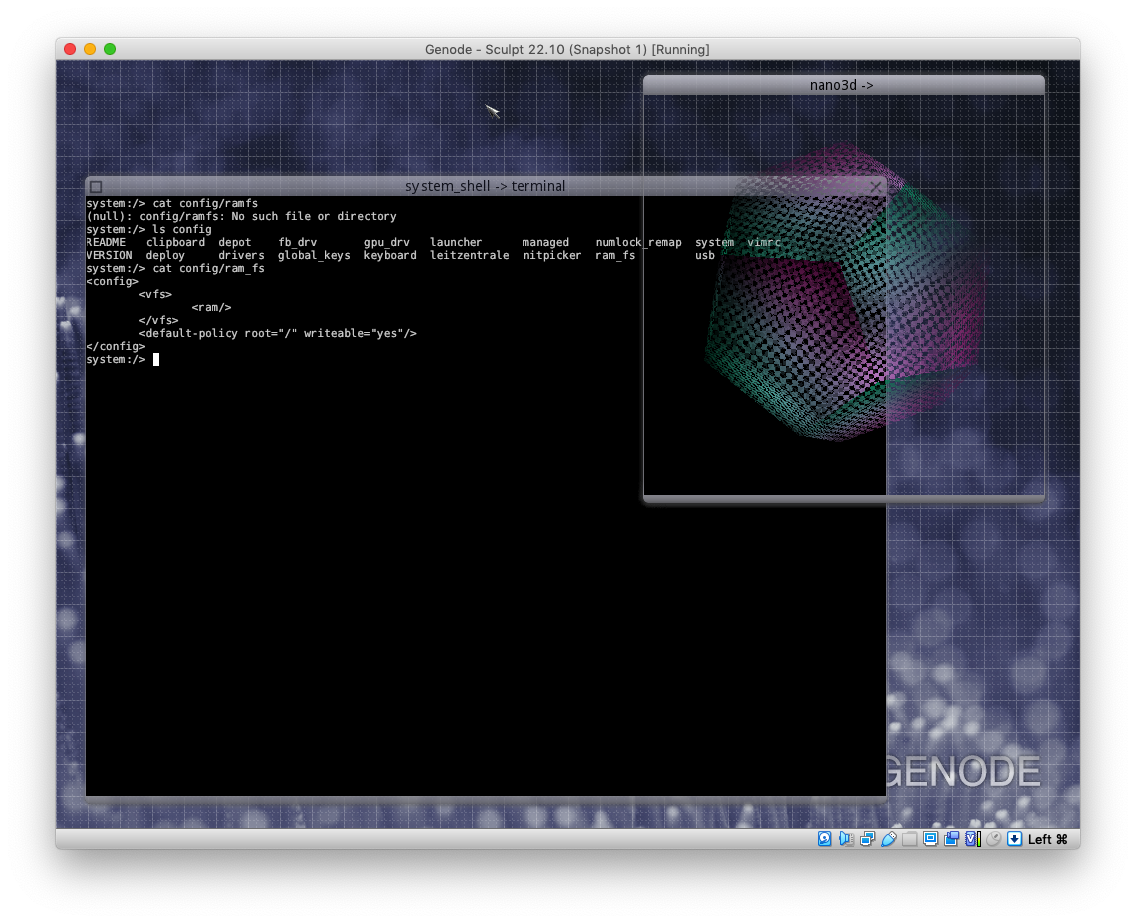
Here's the OS running stuff.
 {: width="560" }
 -
operating-systems genode sculpt
Building Sculpt 22.10 on Debian 11.6 Bullseye
This note is about building a bootable Sculpt OS 22.10 image using a Debian 11 "Bullseye" Guest OS running in VirtualBox. This is useful as a starting point for building a custom image. My Thinkpad T430 runs Sculpt just fine, but wifi doesn't work, so I would like to add the needed firmware. This is work in that direction.
The note also applies, leaving out the VirtualBox specifics, to building Sculpt OS 22.10 on a Debian instance running on metal (confirmed working 12/28).